User Guide
Everything you need to turn a GENDEC into an INM-ready manifest — in seconds, in any format, with the final review always in your hands.
The problem we solve
Every private or charter flight entering or leaving Mexico must report its passengers and crew to the National Immigration Institute (INM) through the APIS system — twice per flight, before departure and when the doors close. A mistyped field or a late submission can lead to fines of up to $14,711 USD.
The information already exists in the flight's GENDEC (General Declaration). The real pain is that every operator delivers it in a different format: tables, scanned forms, handwritten sheets. Transcribing all of that by hand, error-free and against the clock, is where mistakes and rejected manifests happen.
APIS·MX reads any GENDEC format and builds the INM file for you — so you stop retyping and start reviewing.
How it works, step by step
- 1
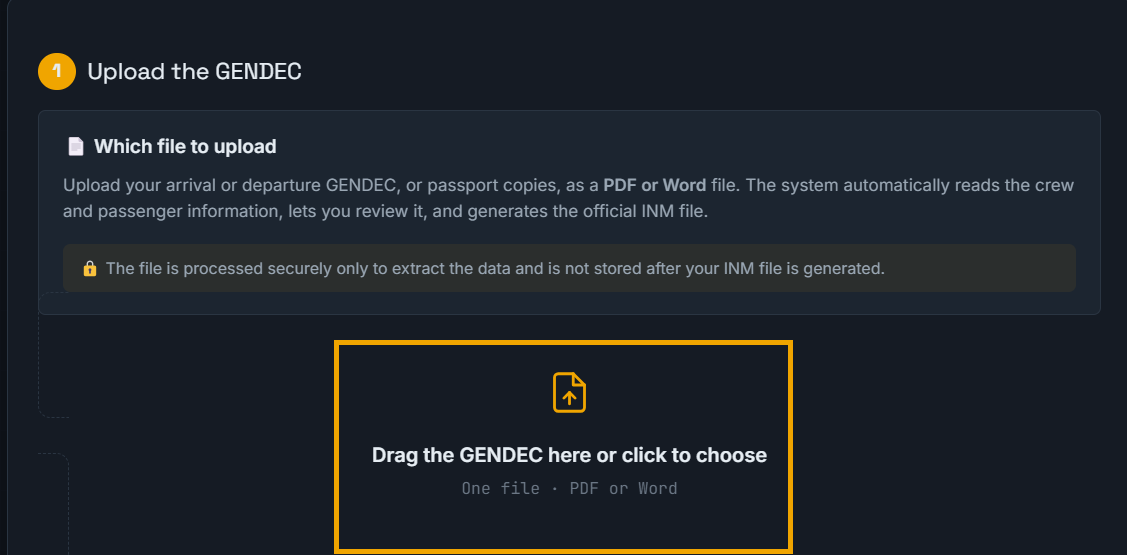
Upload your GENDEC
Drag in the flight's GENDEC in PDF or Word — however it arrives: table, scan, handwritten or form. You don't need to reformat anything.
- 2
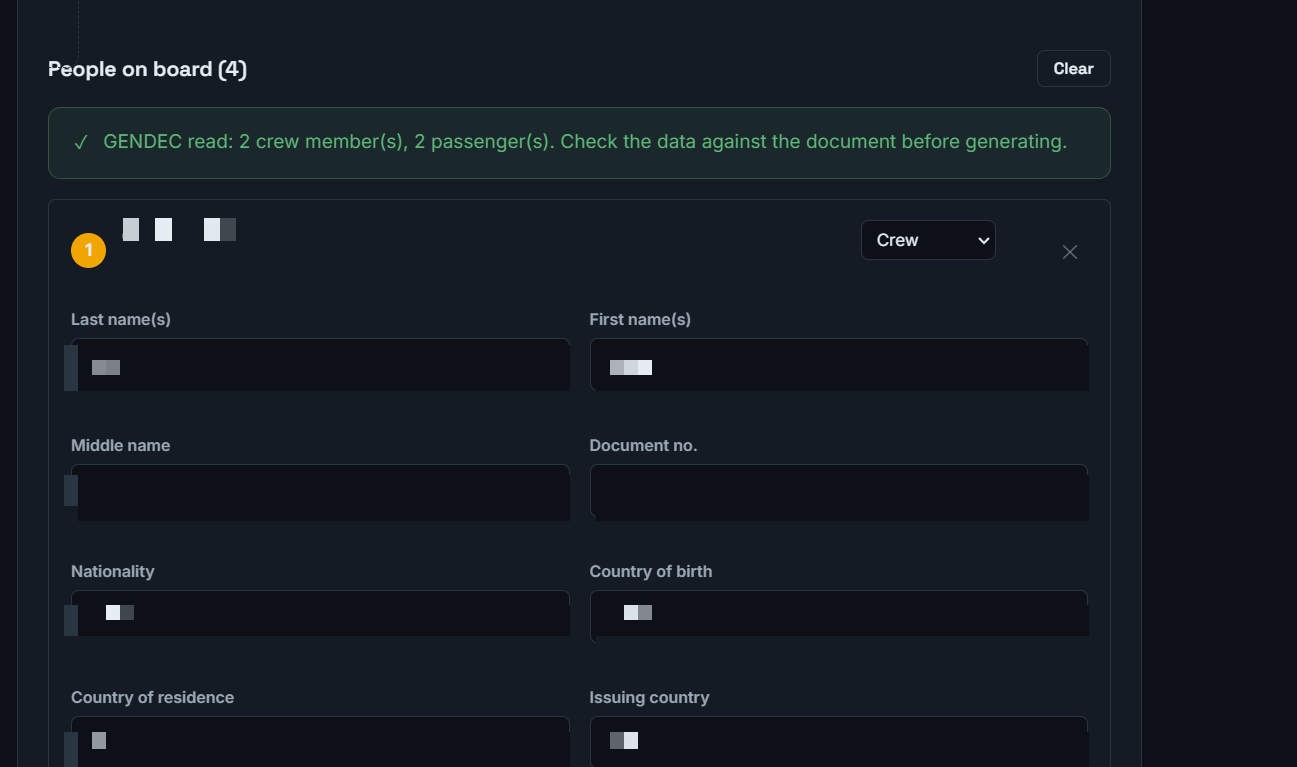
The platform reads it automatically
APIS·MX extracts the full crew and passenger table: names, passports, nationalities, dates and airports — converting airport codes to the IATA format the INM requires.
- 3
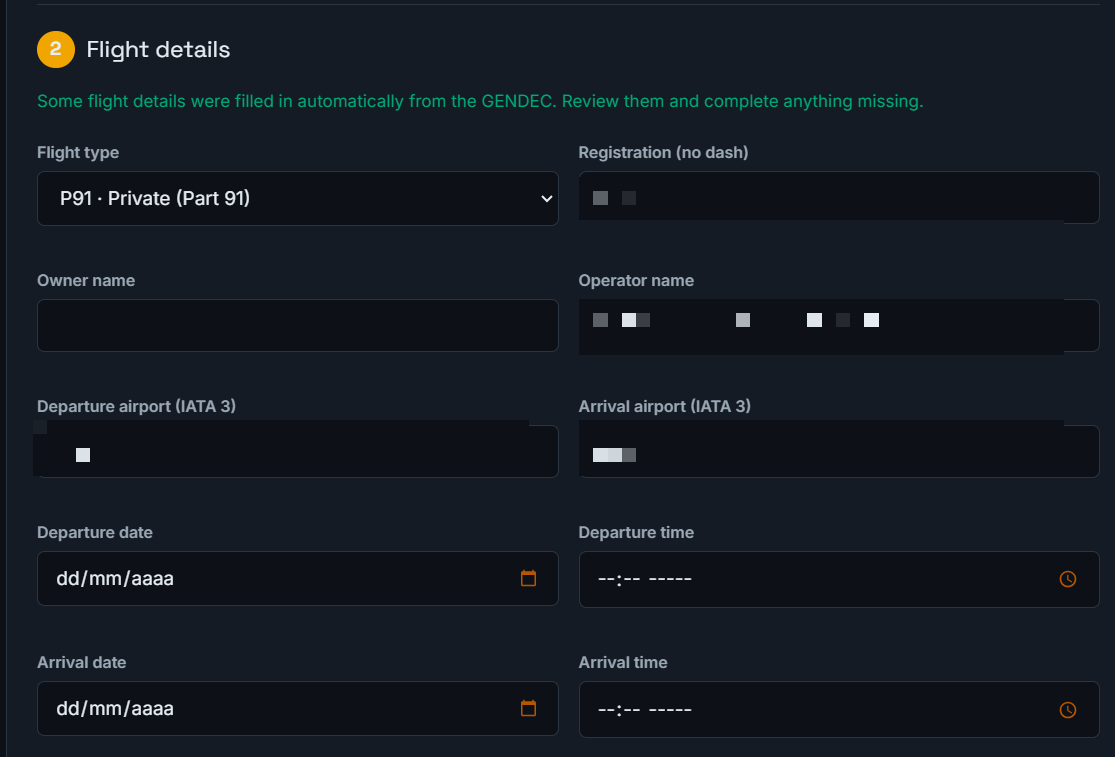
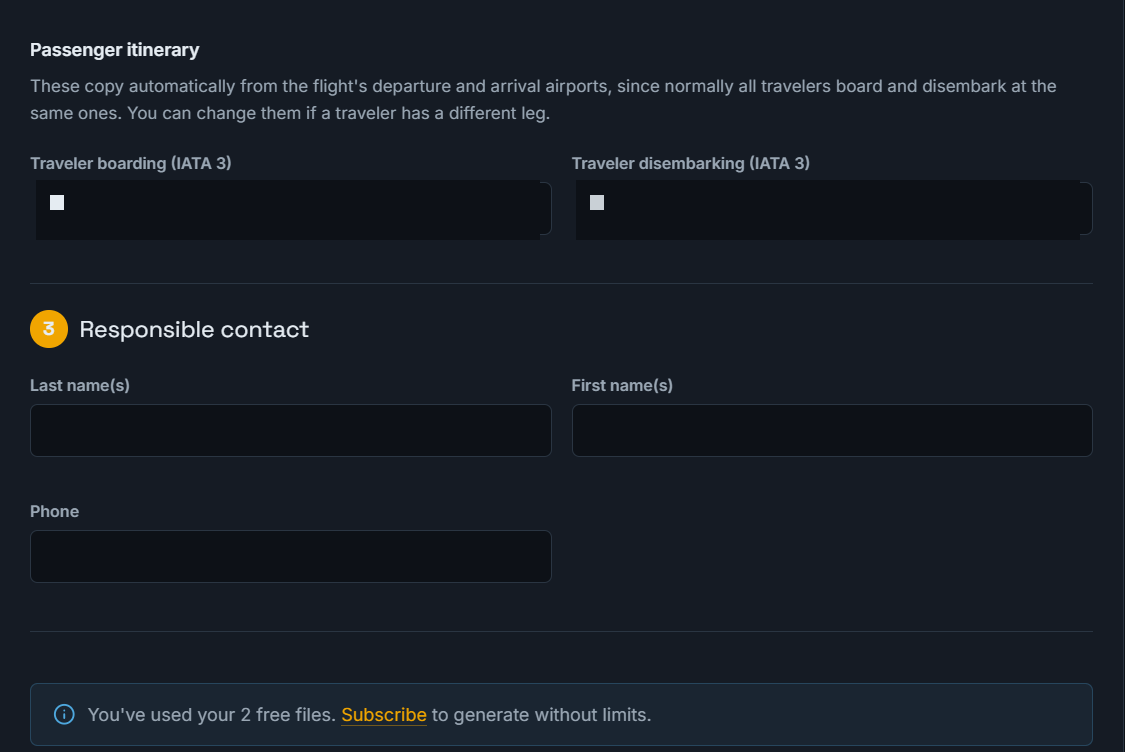
Review and complete
You check the extracted data, fill in the flight details (dates and times in the local time of each airport), and correct anything you need. Nothing is submitted without your review.
- 4
Generate the INM-ready file
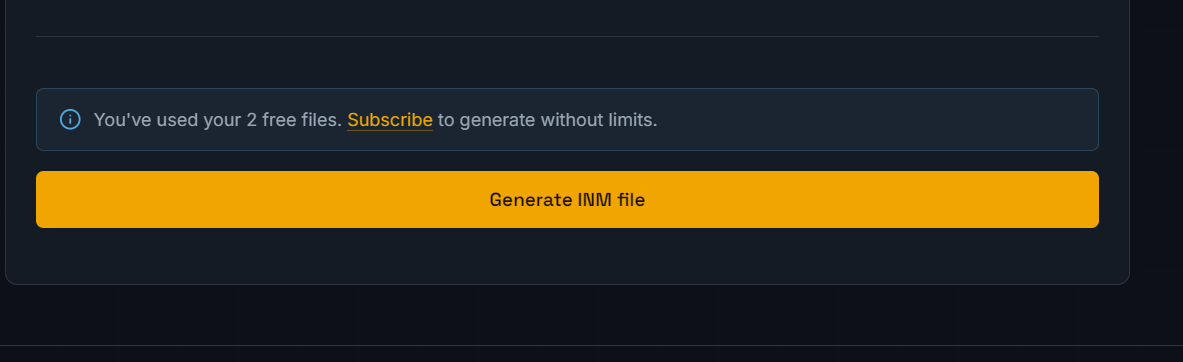
With one click, APIS·MX produces the manifest in the official INM format, ready to submit. What used to take 15 minutes of manual entry now takes seconds.
Helpful features
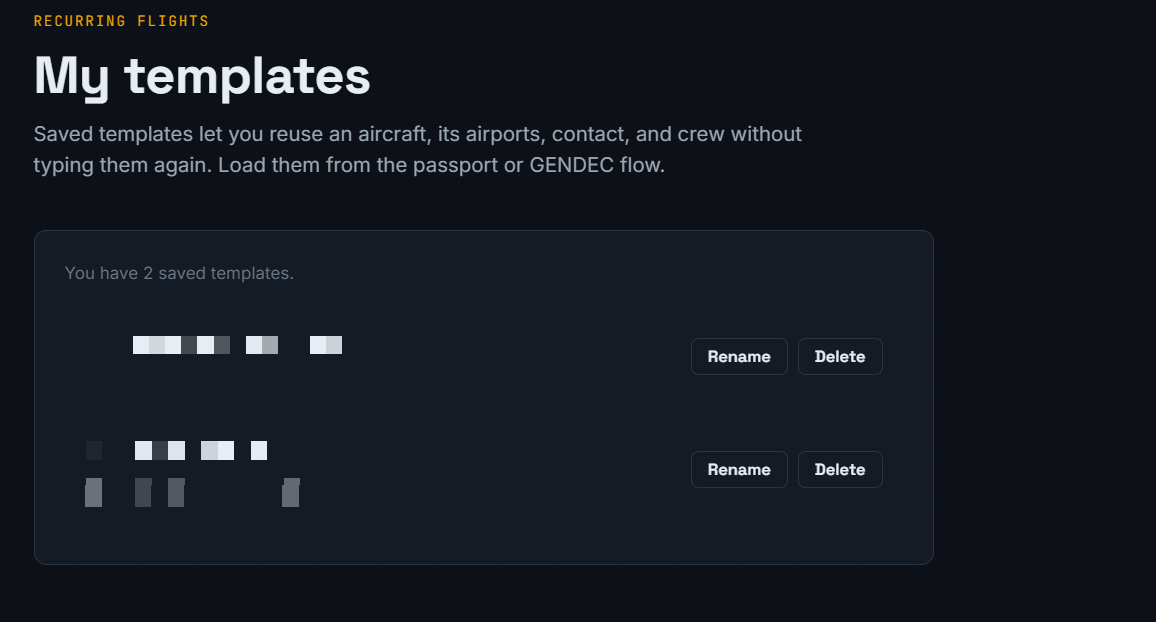
- Reusable templates: save recurring crew so you don't re-enter them each flight. (Passengers are never stored.)
- Read passports directly: if you don't have a GENDEC, you can build the manifest by reading passports.
- Any format: tables, scans, handwritten sheets and fillable forms are all supported.
- Human review always: the platform pre-fills; you confirm. You stay in control of what gets submitted.
Load a saved template from the passport or GENDEC flow to reuse an aircraft, its airports, contact and crew:

Manage all your saved templates from the "My templates" section:
Important: local times
Because pilots operate across many time zones, always enter departure and arrival dates and times in the local time of each airport — the time shown on the clock at that location, not UTC. Getting this right matters: the first APIS submission is due up to two hours before departure.
Ready to generate your first manifest?
Upload a GENDECNeed help? Contact us.